
GTOS integrations for corporate travel
GTOS is designed to fit cleanly around how your company already structures departments, approval hierarchies and financial coding — avoiding heavy custom IT projects while eliminating manual re-keying between travel requests and finance close.
How GTOS maps to your existing company structure
| Company element | How it connects inside GTOS |
|---|---|
| Organisation & approvers | Import departments, reporting lines, grades and spend-threshold rules so approval routing reflects your org chart. |
| Cost centres & project codes | Configure required cost-centre, entity or client-project fields at trip request so every invoice exports pre-coded. |
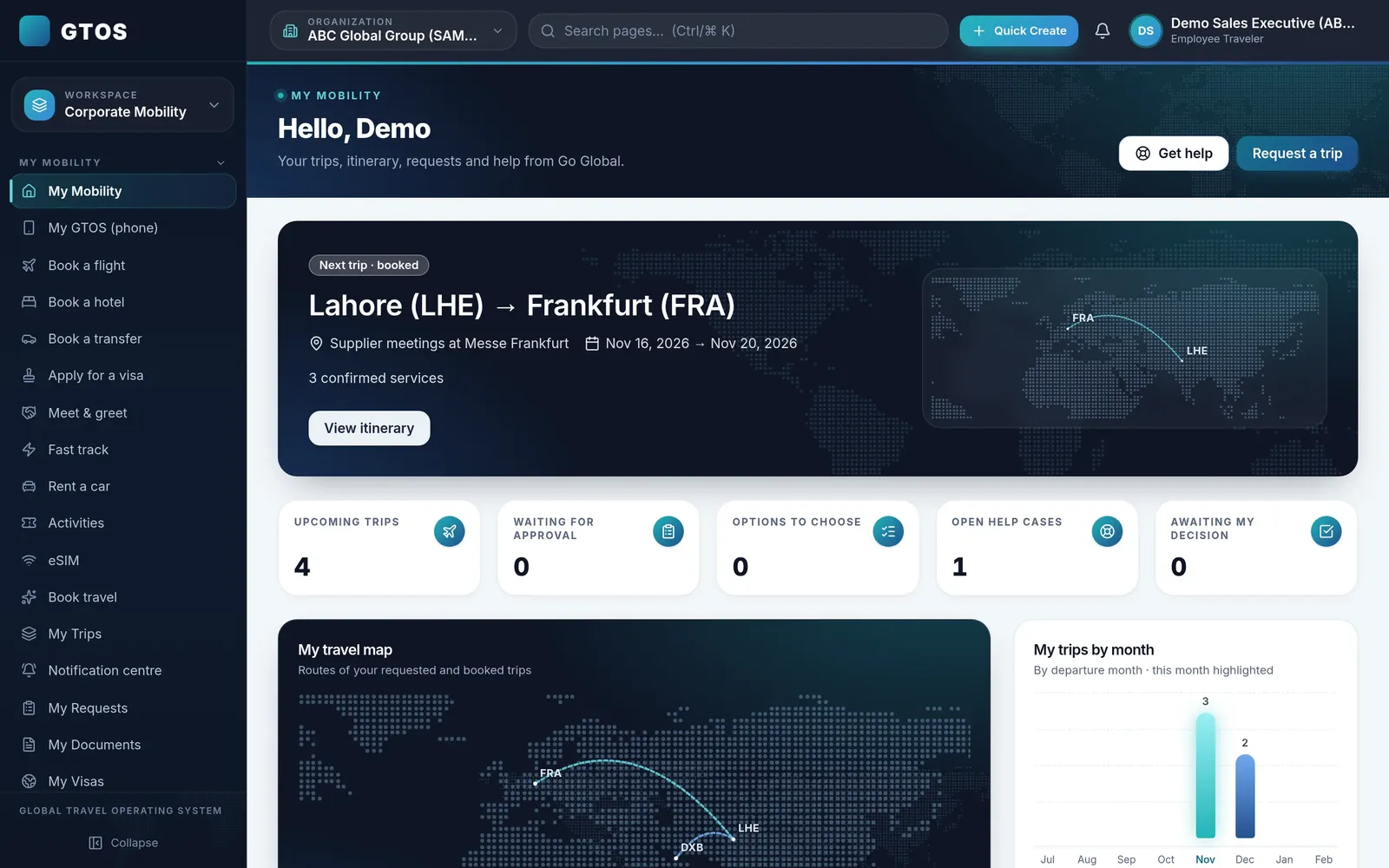
| Traveller profiles | Store passport expiry alerts, seat/meal preferences and loyalty IDs cleanly across Client Portal and My Mobility. |
| Finance & ERP exports | Deliver structured CSV and itemised invoice summaries aligned to your general-ledger structure without spreadsheet cleanup. |
| Control Tower sync | Every online request and 24/7 specialist booking updates the exact same trip record automatically. |
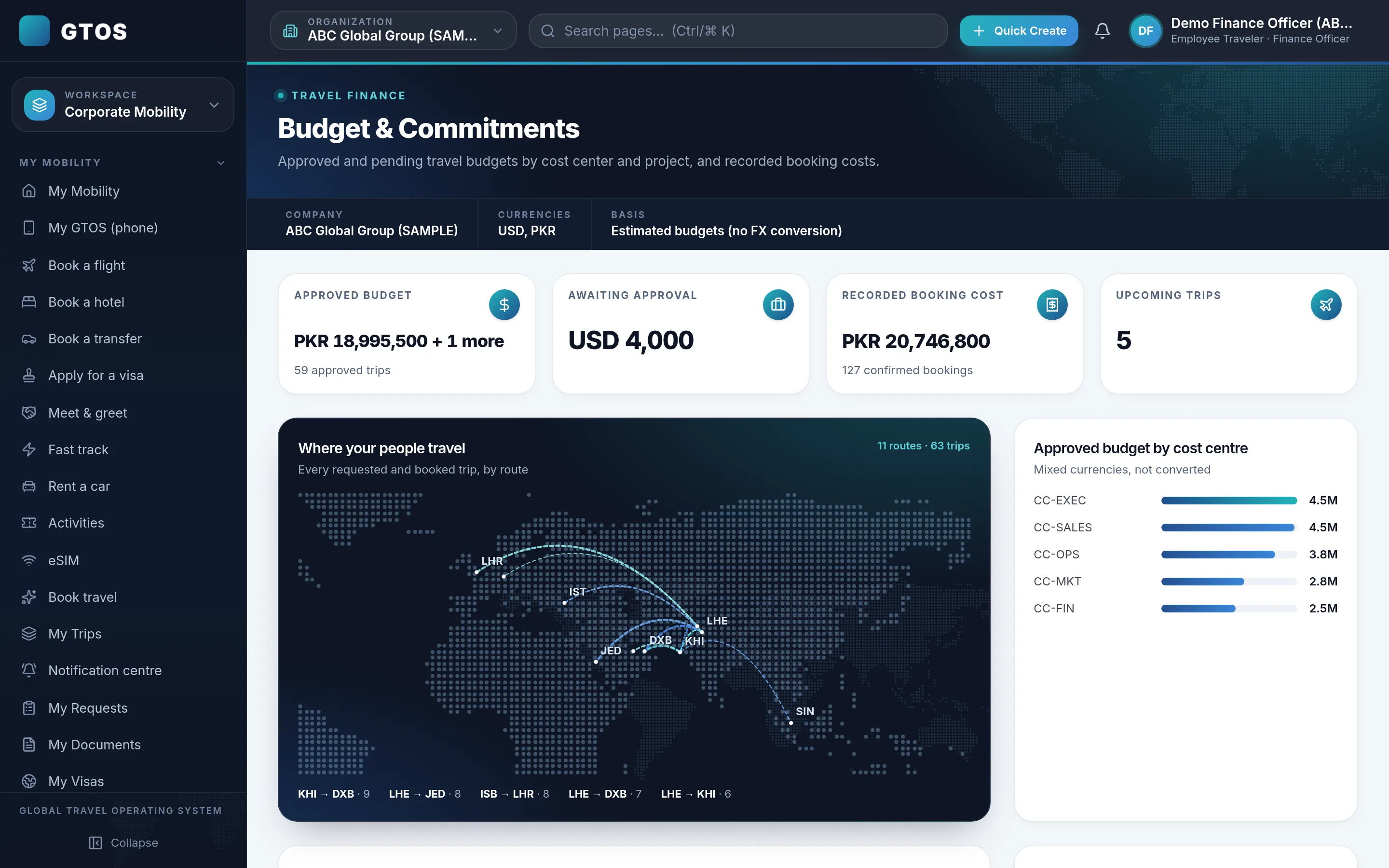
One shared record from trip request to finance close
Most corporate travel friction happens in the handoff between booking, manager approval and accounting. When approvals sit in email, travellers re-type details into expense sheets, and travel invoices arrive without cost-centre tags, finance wastes days every month reconciling gaps.
During GTOS onboarding, Go Global maps your cost centres, entity codes and approval rules upfront so clean structured data flows all the way from request to monthly invoice.
- Launch cleanly without multi-month ERP custom engineering
- Keep online bookings and agent-assisted changes on one shared trip ledger
- Verify workflows in a demo account using sample data before rolling out to staff
Guided setup by Go Global’s team
Every company’s chart of accounts and approval matrix looks slightly different. Rather than handing you generic self-serve configuration screens alone, our onboarding team configures your policy rules, cost centres and sample test flows alongside your finance and HR leads.
Clean data fields captured on every trip request
Garbage-in, garbage-out is the biggest enemy of corporate travel reporting. When employees leave cost centres blank or type inconsistent project names into free-text fields, accounting teams spend hours every month re-classifying expenses before closing the books.
Standard structured fields aligned during setup
- Legal entity and department code tied to the traveller profile or selectable per trip
- Client project, cost centre or PO reference enforced before manager approval triggers
- Clear separation of airfare, accommodation, visa fees and service charges on invoices
GTOS integration questions
Do we need a large IT team to connect GTOS to our finance workflow?
No. Cost centres, project codes and entity mappings are configured during guided onboarding with clean structured exports ready for finance.
Can different subsidiaries or business units use separate cost-centre lists?
Yes. Multi-entity configurations keep each subsidiary’s coding and approval chain separated cleanly.
Do specialist-assisted bookings appear in the same GTOS reports?
Yes. Client Portal, My Mobility and Go Global’s Control Tower all operate on one unified trip record.
Can we preview the finance export structure before going live?
Yes — request a GTOS demo to inspect the sample data and reporting views.
Connecting GTOS to your finance and HR workflows?
Share your itinerary, policy requirements or group size. Our team replies with routes, visa guidance and a structured quote backed by 100,000+ trips managed and 24/7 traveller support. Email insights@goglobal.pk or WhatsApp 0320-4111222.