
Spend dashboards
Spend by department, traveller, supplier and policy compliance for CEO, CFO and finance.
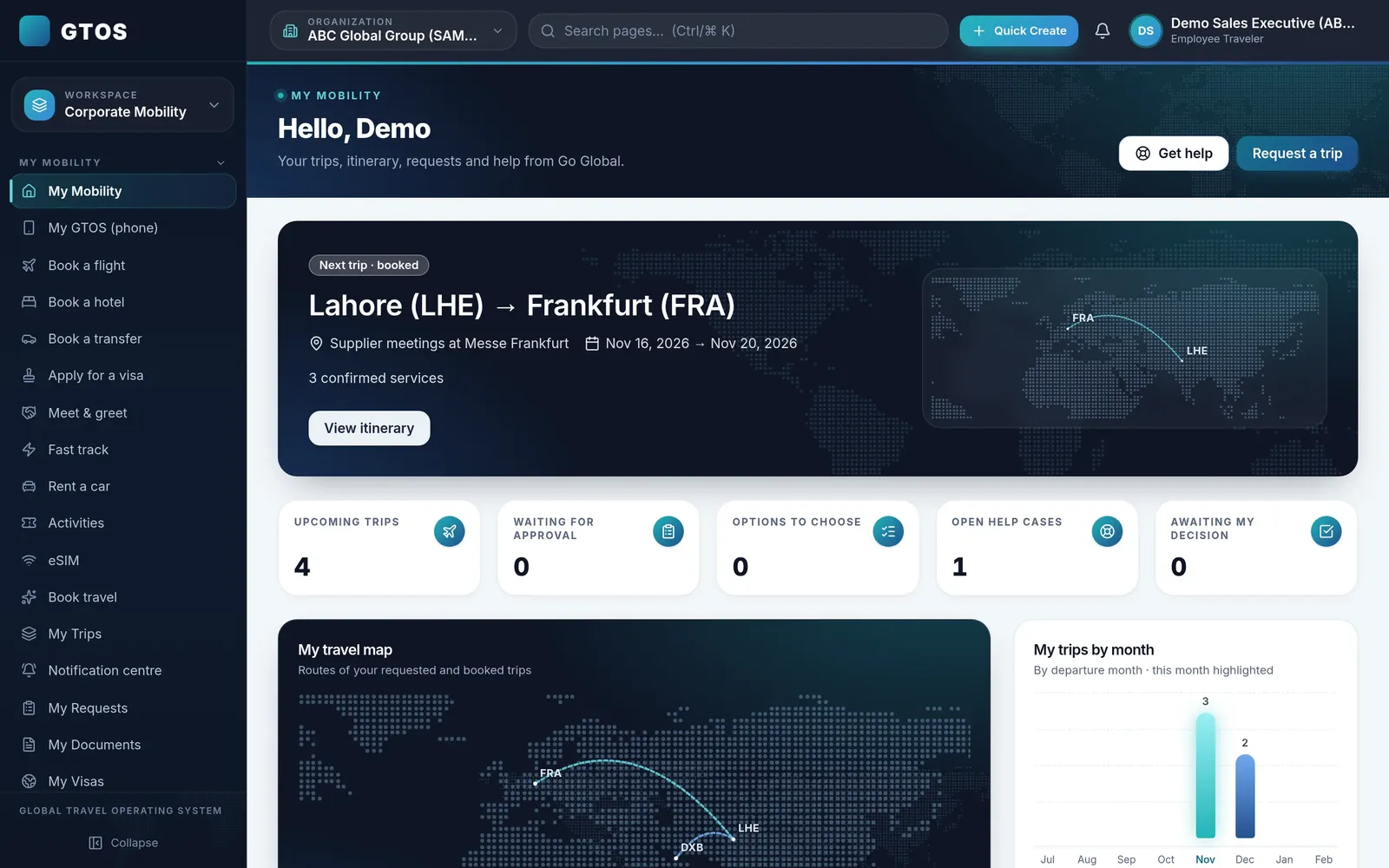
GTOS gives leadership and finance live views of travel spend: by department, traveller and supplier, against budget, with policy compliance alongside. Because every booking is one record, reports come from the same data travellers and approvers use.

Travel reports are usually assembled at month-end from invoices, card statements and spreadsheets, and they rarely agree. In GTOS, every booking is one record with its traveller, cost centre, approval and cost, so reports come from one source.
Leadership sees spend and compliance; finance sees budgets, commitments and invoices; department heads see their own teams.
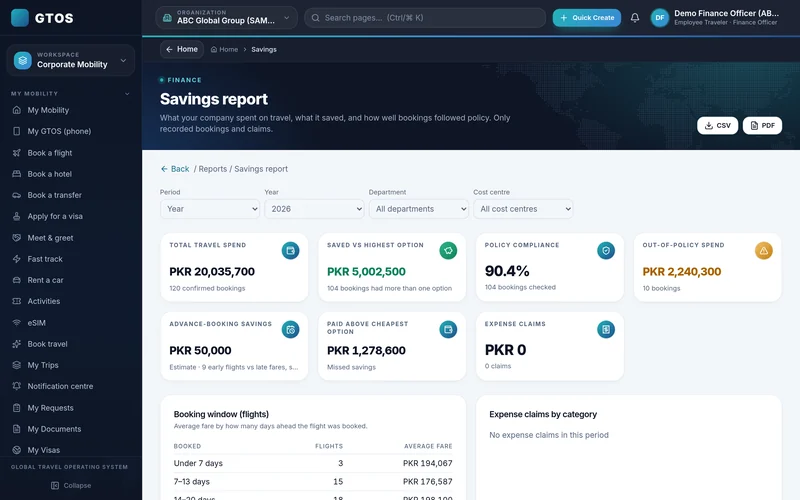
Spend by department, traveller, supplier and policy compliance for CEO, CFO and finance.
Approved budgets, booking costs and commitments by cost centre.
Invoices and receipts matched to the trip for reconciliation.
GTOS shows the cost of approved trips that have not yet happened alongside actual spend, so budget holders see where they stand before the month closes.
With invoices and receipts matched to trips and cost centres attached at request, month-end becomes a review rather than a search.
Each company sees only its own data, with access by role, so a department head sees their team and finance sees the company.
Cost centre set when the trip is requested.
Budget holder approves with the cost shown.
Booking cost recorded on the trip.
Invoices and receipts matched.
Dashboards by department, traveller and supplier.
Access is by role. Leadership and finance see the company; department heads see their teams.
Yes. Travel finance shows approved budgets, booking costs and commitments by cost centre.
Connections depend on your systems; we cover them on your demo.
January 2027.
The reports are built to answer the questions finance and leadership ask most:
When the traveller, approver, finance and Go Global’s team all work on the same booking record, the numbers in reports match the numbers on invoices. That removes the reconciliation work that usually sits between booking and reporting.
Department heads can see their own team’s spend, so conversations about travel cost happen with the same numbers on both sides of the table, rather than after a surprise at month-end.
Request a demo account and we will walk your finance team through the reports with sample data. Go Global has handled 100,000+ trips, and our team works 24/7 for travellers on the road. Email insights@goglobal.pk or WhatsApp 0320-4111222.