
Security and data protection in GTOS
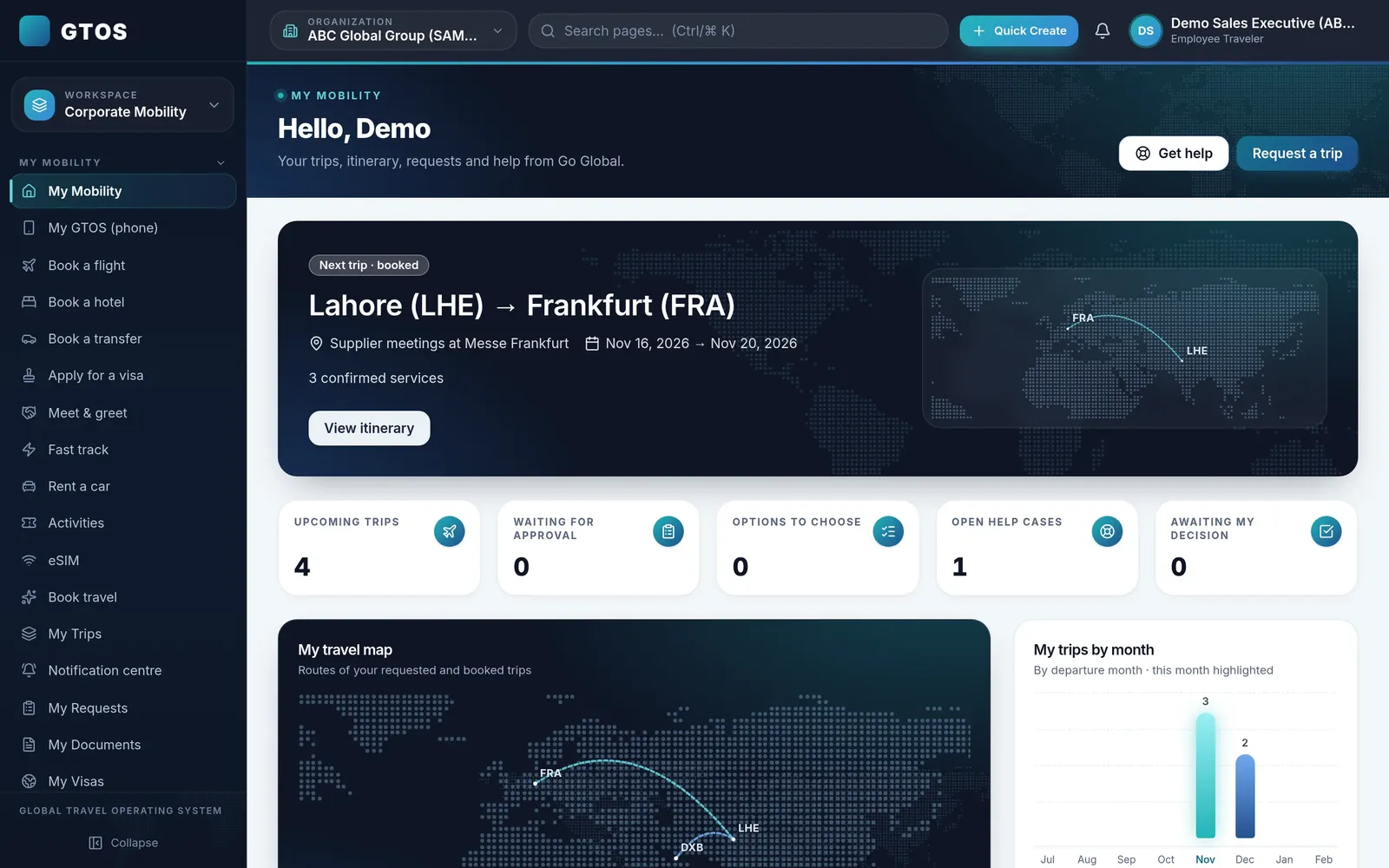
Corporate travel platforms hold sensitive employee passport details, executive itineraries and financial approval records. GTOS is structured around role-based access, clear approval audit trails and least-privilege separation between travellers, managers, finance and Go Global support.
How GTOS structures access and accountability
| Control layer | How GTOS applies it |
|---|---|
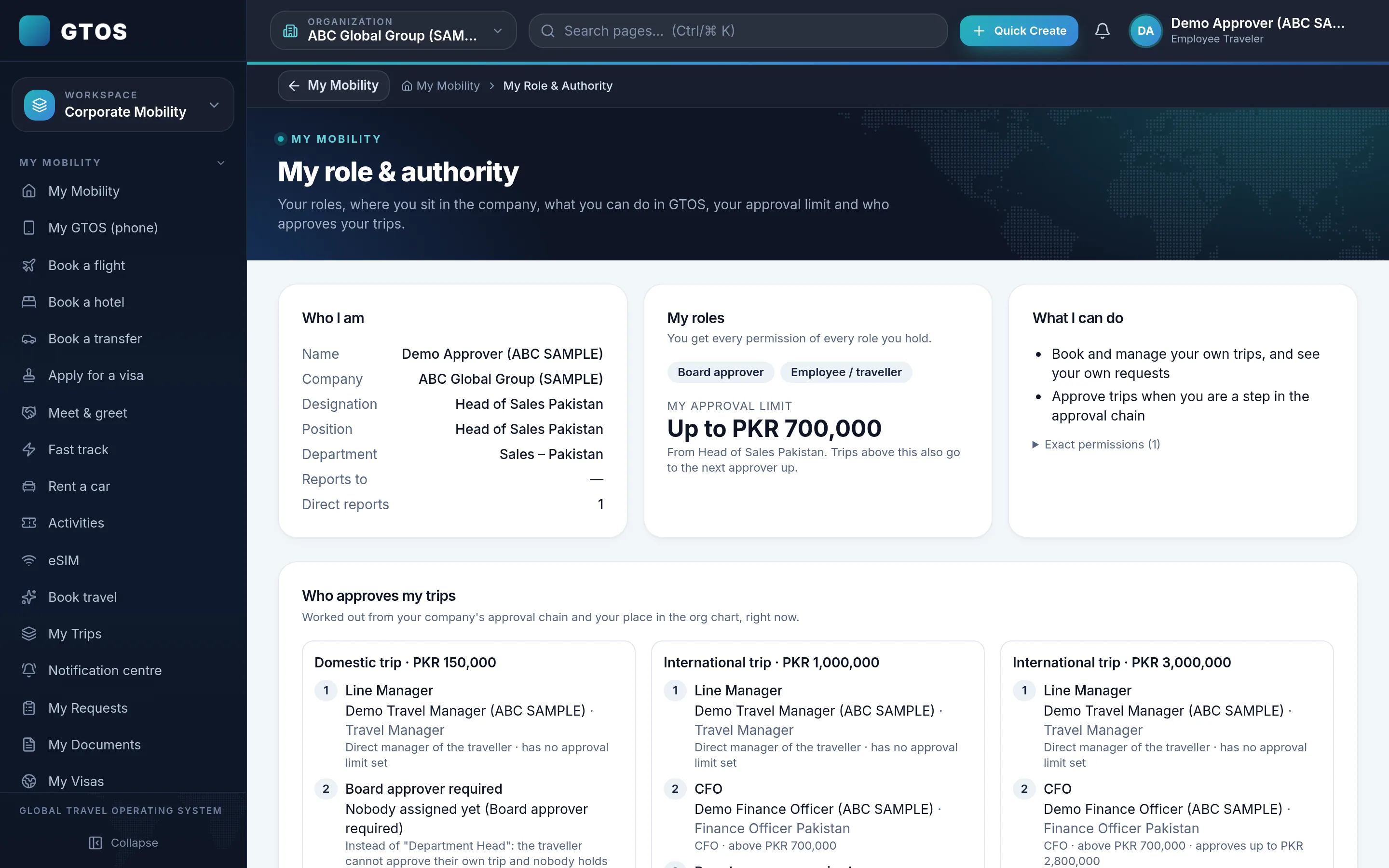
| Role-based permissions | Travellers view their own trips in My Mobility; line managers approve assigned teams; finance views authorised entity reports. |
| Immutable approval trail | Every trip stores requester, approver identity, decision timestamp and policy status on the permanent record. |
| TLS transport & session hygiene | Traffic runs over encrypted HTTPS connections with authenticated session controls separating Client Portal and Control Tower. |
| Executive discretion | Board and senior leadership itineraries remain accessible strictly to authorised coordinators and travel specialists. |
| Clean data boundaries | Company tenant data stays isolated per corporate account rather than mixing across clients. |
Answer internal audit questions without digging through emails
When internal audit asks who approved a last-minute international upgrade or why a trip exceeded policy, email threads fail quickly — messages get deleted or buried across departed managers’ inboxes.
GTOS preserves the full request, policy evaluation, exception reason and approver timestamp alongside the final trip record, giving compliance and finance instant clarity.
- Eliminate shared spreadsheet password risk across HR and travel coordinators
- Track every approval decision and out-of-policy reason code permanently
- Restrict traveller passport and itinerary access strictly by role
Aligned with corporate privacy expectations
Review our Privacy Policy and Terms for full details on data handling across Go Global websites and systems, or schedule a technical walkthrough with our team during your procurement review.
Security practices for corporate travel teams and approvers
Technology controls work best alongside clear everyday habits inside the client organisation. During GTOS rollout, Go Global helps travel coordinators replace ad-hoc WhatsApp passport photo sharing and shared mailbox logins with individual user accounts scoped strictly by role.
Recommended client-side rollout practices
- Assign individual manager and finance logins rather than sharing coordinator credentials
- Review active traveller rosters quarterly so departed staff are deactivated promptly
- Route out-of-policy exception justifications through GTOS approval notes for clean audit logs
For regulated organisations in banking, energy, pharmaceuticals and public-sector contracting, keeping traveller records, approvals and booking history inside one structured platform provides clean audit evidence without manual screenshot archiving.
GTOS security questions
Can regular employees see other colleagues’ itineraries or travel spend?
No. Access in GTOS is role-restricted so travellers see only their own trips unless granted manager or finance permissions.
Does GTOS record who approved each trip and when?
Yes. Every approval action logs the approver, timestamp and policy status on the trip record.
Are different client companies kept separate inside GTOS?
Yes. Each corporate organisation operates within its own tenant boundaries.
How can our IT or compliance team review GTOS?
Request a demo walkthrough and share your review checklist with our team.
Reviewing security and audit controls for your travel platform?
Share your itinerary, policy requirements or group size. Our team replies with routes, visa guidance and a structured quote backed by 100,000+ trips managed and 24/7 traveller support. Email insights@goglobal.pk or WhatsApp 0320-4111222.