
Approval chains
Each person’s role, limit and who approves their trips, set from your organisation chart.
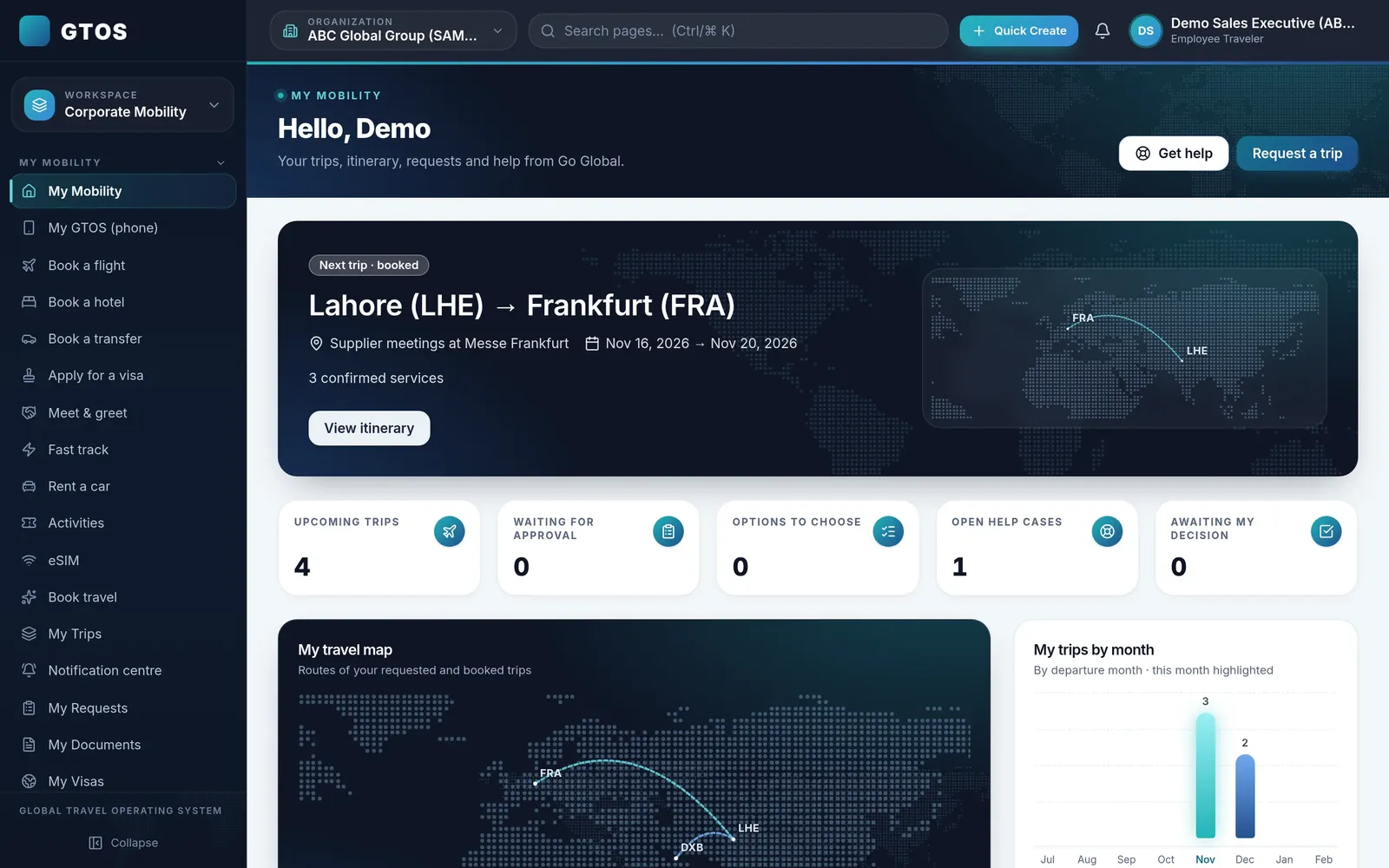
In GTOS, every trip follows its approval chain before anything is booked. Managers see the trip, the cost and the policy check, and approve in one tap. Travellers can see where their request is at any time.

Approvals are where travel control usually breaks: emails that wait in an inbox, approvals given after the ticket is issued, and no record of who agreed to what. GTOS puts the approval inside the booking flow, so a trip moves only when the right person has approved it.
Each person in GTOS has a role and an approval limit, and the approval chain for each trip type is set from your organisation chart. Out-of-policy choices are flagged and routed to the right approver automatically.
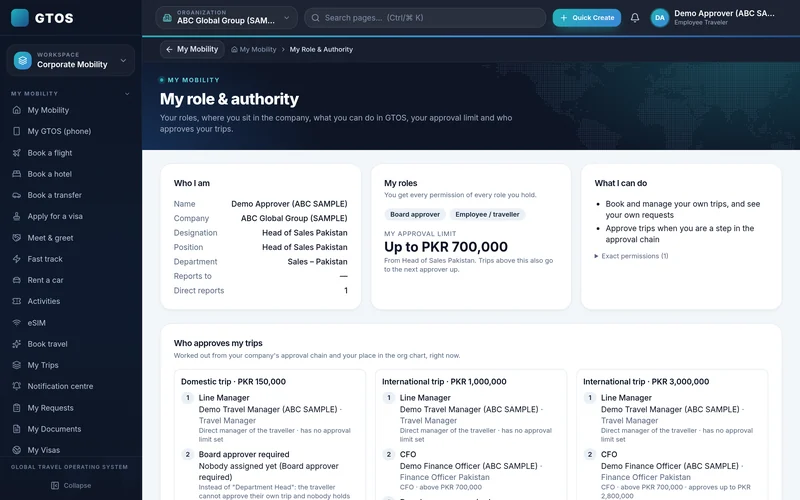
Each person’s role, limit and who approves their trips, set from your organisation chart.
Managers see the request, cost and policy check, and approve or decline in one tap.
Choices outside policy are flagged and routed to the right approver automatically.
Travellers submit a trip and can see its status at any time: waiting for approval, approved or declined. They do not need to chase their manager by email or ask the travel team where things stand.
Every approval is stored on the trip: who requested it, who approved it and when. When finance or audit asks why a trip was booked, the answer is on the record.
Before go-live, we map your organisation chart, grades and thresholds into GTOS. Our guide to designing travel approval workflows sets out the choices.
The traveller searches and selects in My Mobility.
Policy is checked on every option.
The manager approves in one tap.
Approved, in-policy bookings are confirmed.
The approval stays on the trip record.
Yes. Approval chains in GTOS are set from your organisation chart, roles and approval limits.
They are flagged and routed to the right approver automatically.
Yes, at any time.
January 2027. You can request a demo account now.
Approvals should never depend on one inbox. When we set up approval chains with you, we agree what happens when an approver is on leave or unavailable, so urgent trips keep moving.
Fares and hotel availability change while a request waits. A trip approved in minutes is usually booked at a better price and time than one approved after two days of email. Fast approvals are a cost control, not just a convenience.
Request a demo account and we will set up approval chains to match how your company works. Go Global has handled 100,000+ trips, and our team works 24/7 for travellers on the road. Email insights@goglobal.pk or WhatsApp 0320-4111222.