
Rules that fit
Rules by designation, department and destination, matched to your written policy.
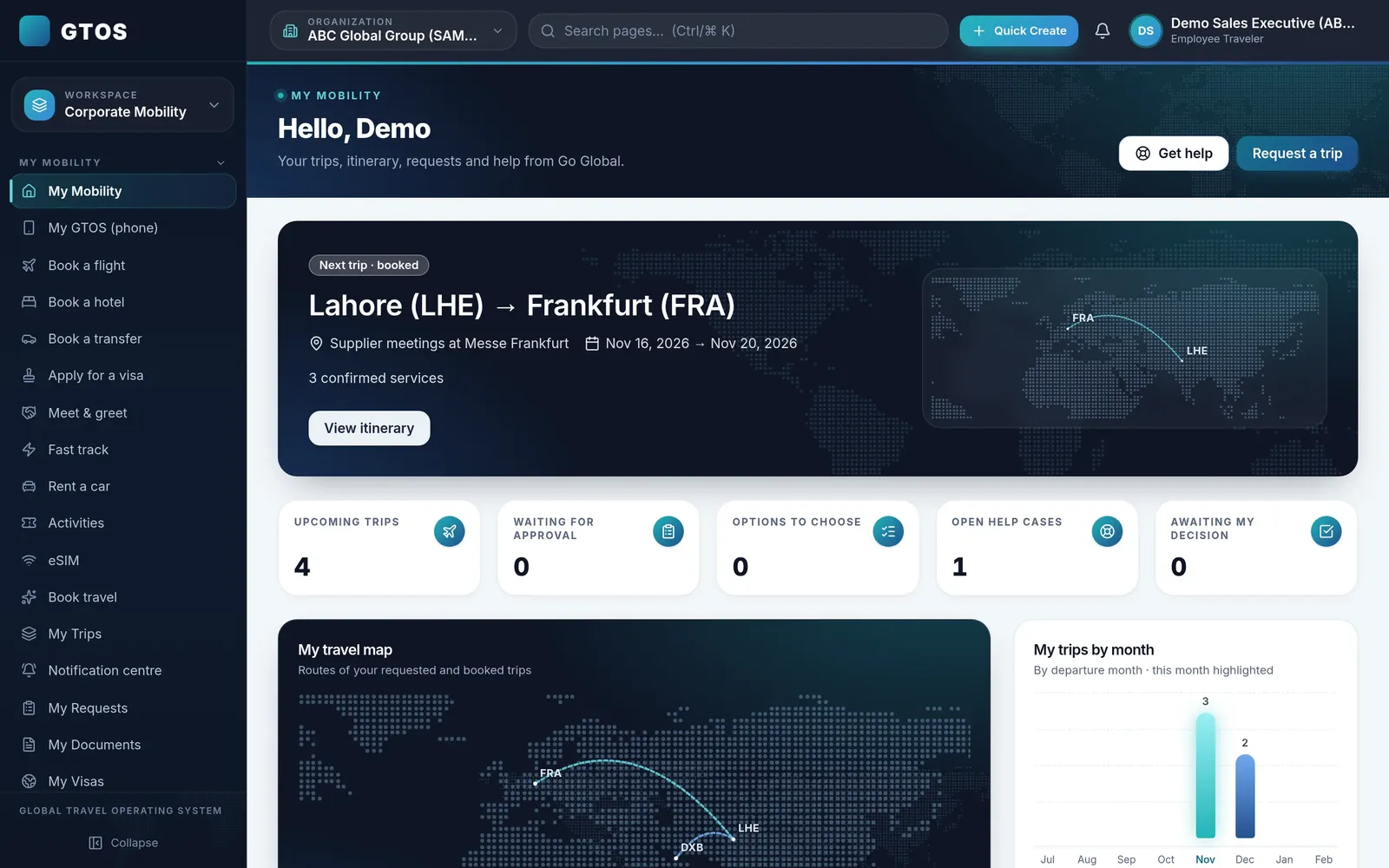
GTOS checks your travel policy on every option a traveller sees. Rules can be set by designation, department and destination, and out-of-policy choices are flagged and sent for approval, so policy is applied at the moment of booking rather than in an audit months later.

Most travel policies live in a PDF that travellers read once. GTOS turns the policy into rules that apply while the traveller books, so the in-policy choice is the easy choice.
Travellers book flights (one-way, return and multi-city), hotels, transfers, car rental, eSIM, lounges and meet-and-greet, priced in PKR, within the rules that apply to them.
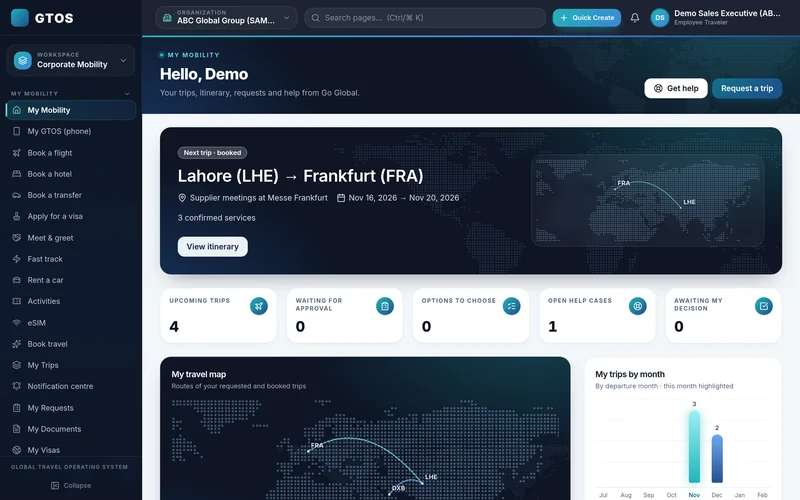
Rules by designation, department and destination, matched to your written policy.
Each option shows whether it is within policy before the traveller selects it.
Out-of-policy choices are flagged and routed to the right approver automatically.
Approved, in-policy bookings are ticketed and confirmed automatically. Complex trips, such as multi-city itineraries with visas or groups, go to Go Global’s expert desk.
Sometimes the right trip is outside policy: a later flight to reach a meeting, a hotel closer to a site. GTOS lets the traveller choose it and sends it to the right approver, so exceptions are possible but visible.
GTOS works best with clear, numerical rules. Our travel policy template sets out the sections most companies need.
Your policy mapped into GTOS rules.
Traveller searches in My Mobility.
Every option checked against policy.
Exceptions routed for approval.
In-policy bookings confirmed automatically.
Yes. Rules can be set by designation, department and destination.
They can select an out-of-policy option; it is flagged and routed for approval.
Flights, hotels, transfers, car rental, eSIM, lounges and meet-and-greet, priced in PKR.
January 2027. Demo accounts are available now.
A policy applied after booking can only report what went wrong. A policy applied while the traveller books changes what happens. Travellers see which options fit, approvers see exceptions before money is spent, and finance sees compliance in reports.
Before go-live, Go Global’s team works through your written policy with you and turns it into rules in GTOS. Where the policy is unclear, for example on cabin class for long flights or hotel limits by city, we agree a rule with you so it can be applied consistently.
For travellers, policy-aware booking mostly feels like less back-and-forth. They see options that fit, choose one and move on, instead of booking, waiting for someone to object and booking again.
Request a demo account and we will show your rules applied to real searches with sample data. Go Global has handled 100,000+ trips, and our team works 24/7 for travellers on the road. Email insights@goglobal.pk or WhatsApp 0320-4111222.